1. Location Pages Creation: Describe how you would create a custom post type for ‘WashMate Locations’ in WordPress to list our store locations and pickup/delivery areas. How would you structure and optimize these pages for SEO?
– First is creating the Custom Post Type for ‘WashMate Locations’. I used ACF (Advance Custom Field) to easily create the Custom Post Type or coding the Custom Post Type in my theme’s functions.php.
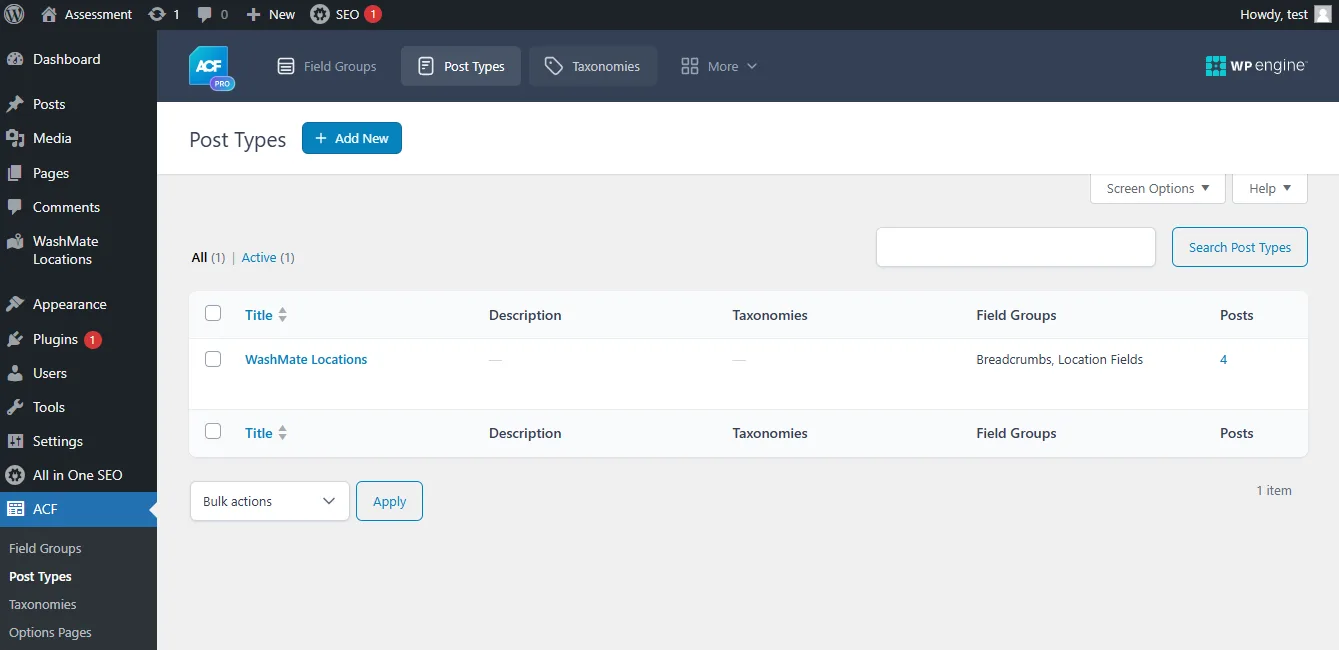
After creating the Custome Post Type, I added the fields. I have 3 custom fields for location page breadcrumbs, and CTP Location
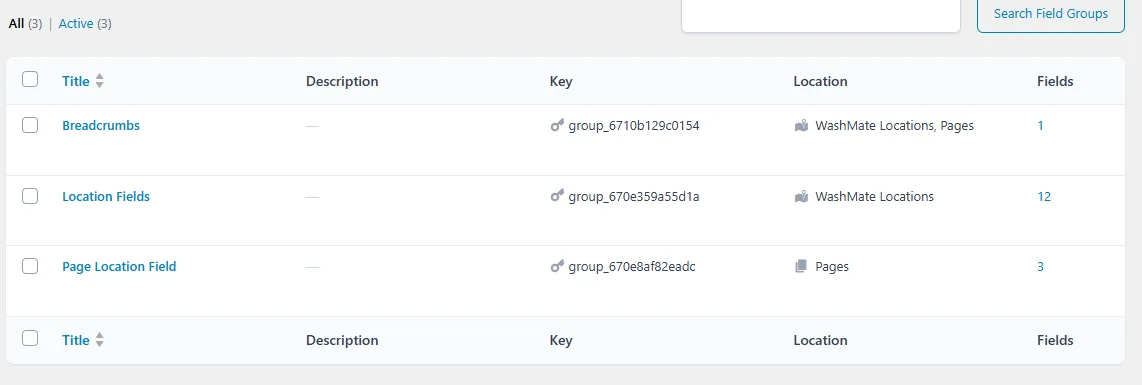
This is the Custom Post Type Location field layout using ACF
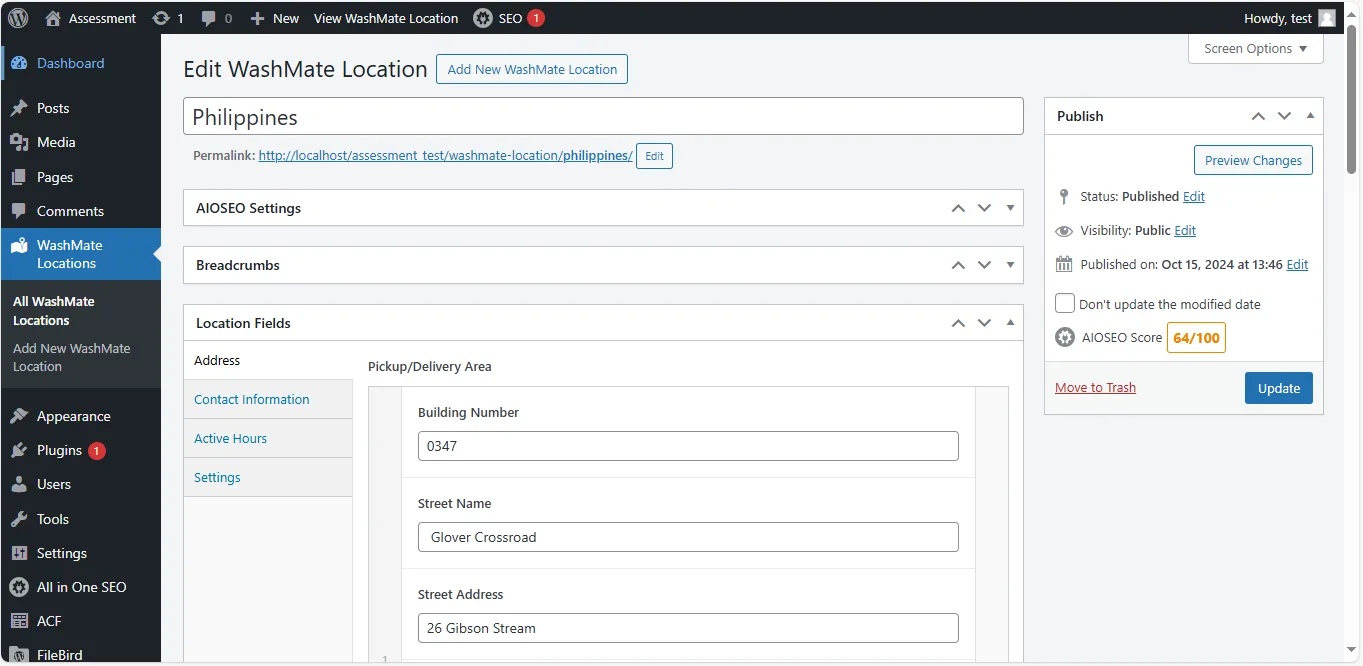
Custom Fields Setup:
- Pickup/Delivery area: Repeater
- email: email
- Phone Number: number
- From Open Hours: time picker
- To Open Hours: time picker
- X axis: range
- Y axis: range
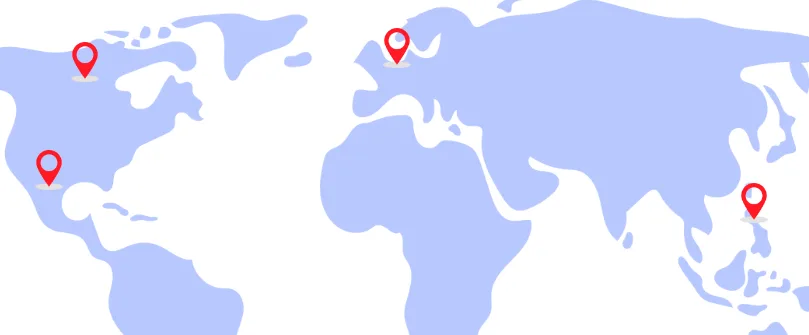
I also add the Position Custom Field for position (X axis & Y axis) the pin Image from Location Page [see image]
Then, I created the Template Structure of the Location page, add the Template Name.
<?php

/**
 * Template Name: Location Page
 */
get_header();
?>
<section id="location--section">
    <section class="location--map">
        <div class="container">
            <div class="row">
                <div class="col-md-12">
                    <div class="location--content position-relative">
                        <div class="location--map">
                            <img src="<?php echo esc_url(get_field('background_image')['url']) ?>" alt="">
                        </div>
                        <?php assessment_post('washmate-location') ?>
                    </div>
                </div>
            </div>
        </div>
    </section>
</section>
<?php
get_footer();
SEO Optimization for WashMate Location Pages
I used All in One SEO Plugin for meta title and description. AIOS handles the search rankings and optimizing the content. I also add the breadcrumbs in custom post type to enhance navigation.
Optimization and Future Growth Considerations
- Responsive Design: Ensure the pages look good on both mobile and desktop to avoid penalties from Google.
- Lazy Load Images: Optimize images to ensure fast loading times. (In these cases, I don’t enable lazy load since this is only a skill test).
- Caching: Use caching plugins like WP Super Cache or Litespeed Cache to improve site performance.
2. Performance Optimization: Outline a plan to improve the performance and loading speed of www.washmate.com.au, mentioning specific tools or techniques you would use.
Before I make changes, I would perform a detailed audit to assess the current performance of the site using tools like PageSpeed Insights or other alternatives. This tool will give a baseline performance score and insights into areas for improvement.
For Optimizing Performance
Install Litespeed Cache plugin. This plugin can do more things to optimize the website such as:
- Page Caching
- Browser Caching
- Image Optimization
- Minification and Concatenation
- Content Delivery Network (CDN) (Connect to CloudFlare)
- Database Optimization
- Mobile Optimization
For Monitoring the site used Google Analytics and Search Console to track site performance over time.
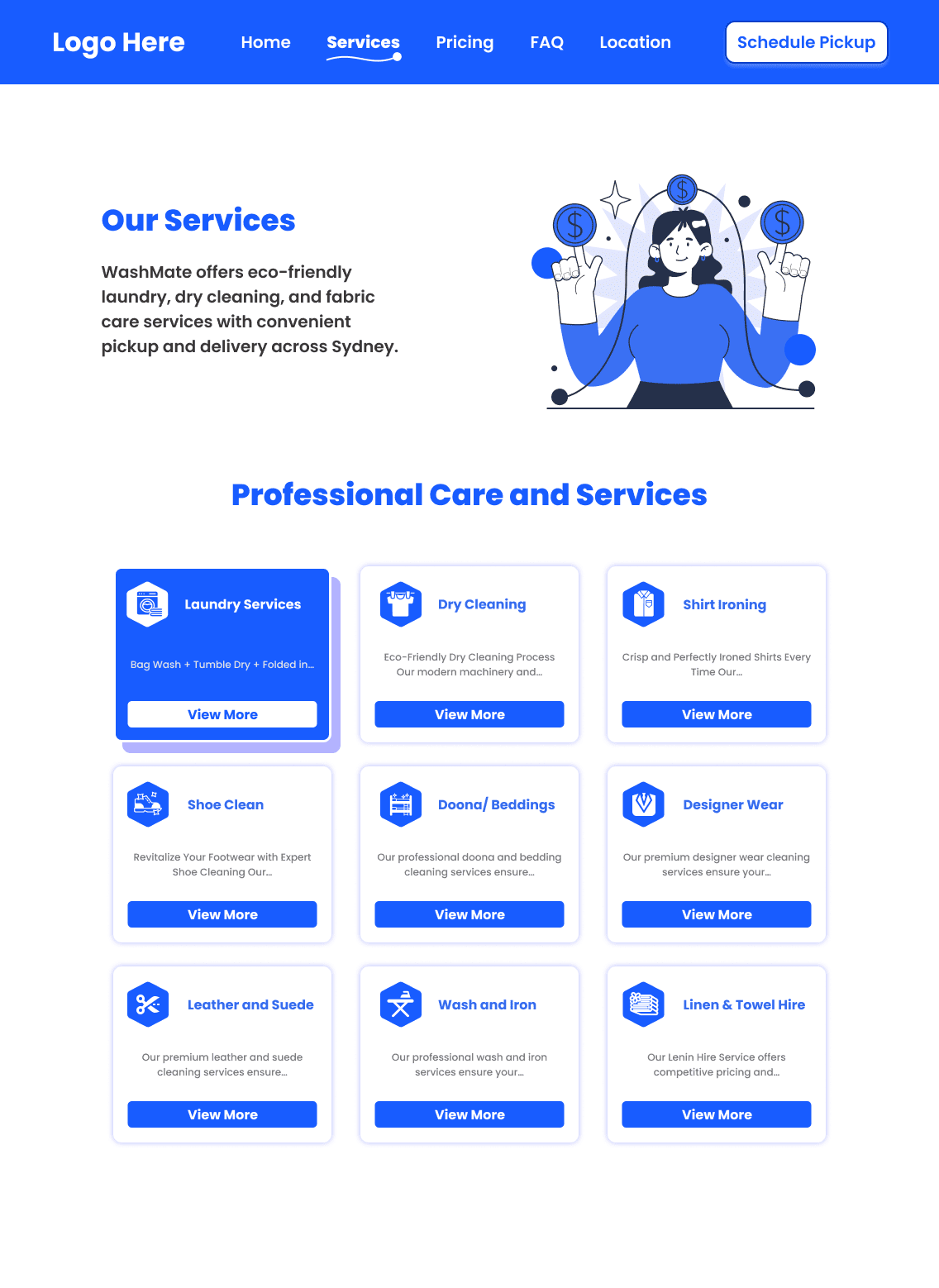
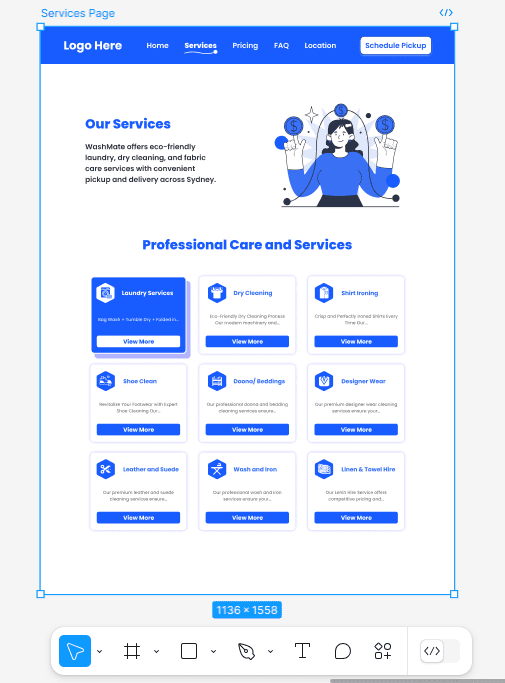
3. Service Page Redesign: Share a basic wireframe or design concept to improve the user experience of our service pages, with references to competitor sites if helpful.
Services Page Redesign in figma
4. SEO Strategy: With Yoast SEO already installed, briefly share your strategy for improving our SEO, focusing on keyword research, meta tags, on-page optimization, and acquiring backlinks to improve domain authority.
With Yoast SEO installed, we can take the following steps for optimal performance:
- Title Tags and Meta Descriptions:
- Heading Structure:
- Use H1 for the main title and H2-H3 for subheadings. Include relevant keywords naturally within these headings.
- Alt Text for Images
Create Shareable Content:
- Create clickable social media icons that others can share or link to.
- Promote content through social media and industry forums to attract backlinks naturally.
Improve page load times by implementing caching, minification, and image optimization to avoid search engine penalties. Use Yoast’s Cornerstone Content feature to mark essential content.